Have you ever had the problem that your vCenter Lifecycle Manager (vLCM) could not connet to the default download source/repositories??
By default the standard is https://hostupdate.vmware.com/ and sometimes there are problems connect to them after changes, reboots or vCenter update/upgrades.
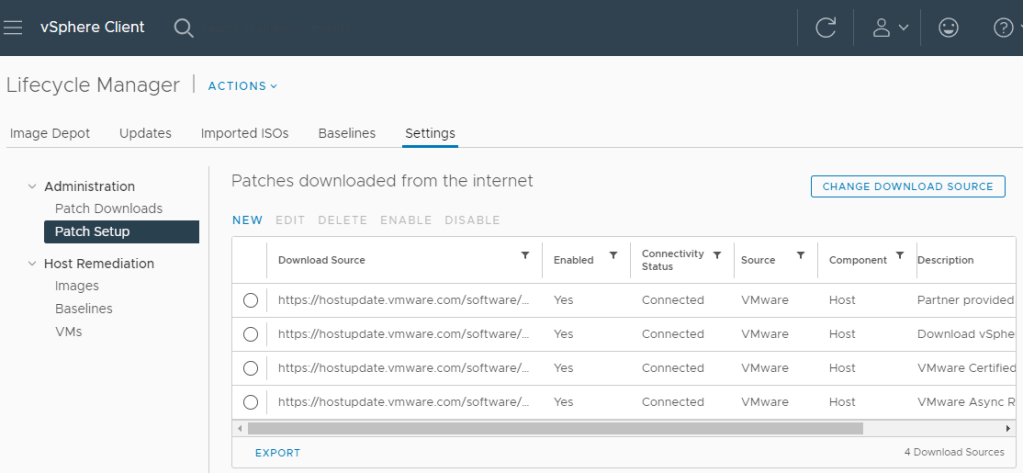
If you want to check if its a problem related by the changes you made to the vCenter or its a Proxy Server/Network related issue, you can add the download source/repositories with HTTP instead of HTTPS
Simply copie the URL and add a „NEW“ Download Source with http:// instead of https://
http://hostupdate.vmware.com/software/...
I often experienced that a HTTP connection is possible and the issue is a proxy setting, firewall rule or other network/security devices related settings. So you can talk to the responsible person or department.
I hope that will help some of you finding the issue if experiencing the same issue!
 virtual graveyard
Hinterlasse einen Kommentar