During troubleshooting of an NTP issue on my VCF Operations 9.1 environment, I came across an additional option for configuring NTP servers.
In addition to the options available during the Operations deployment and the possibility of modifying the configuration via CLI, there is another option to configure NTP servers through the Administration GUI.
To access the Admin GUI use this URL:
https://<vcf-operations-fqdn>/admin
in the upper right corner you will see the following Icons

The marked icon is for the NTP Settings.
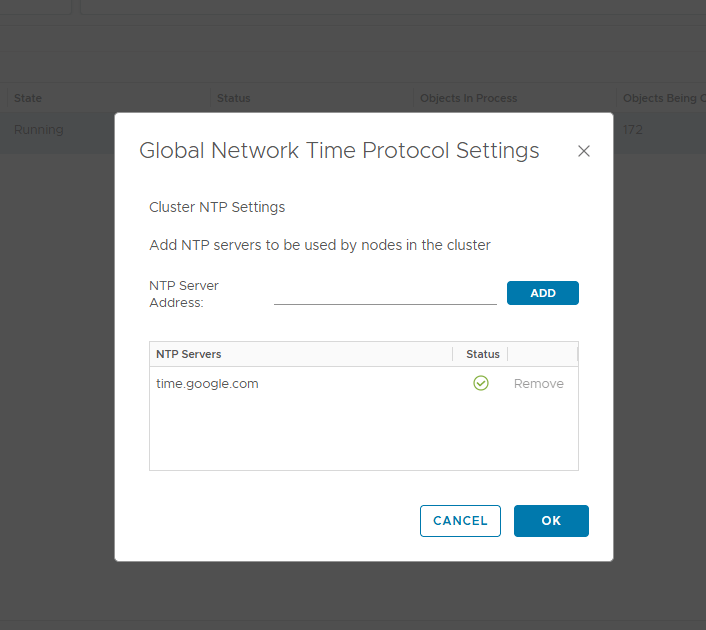
So insert your default NTP at the „NTP Server Adress“, click „ADD“ and check below that the NTP is set correct and the Status is green.
I hope this fixes your problem!


Kommentar verfassen