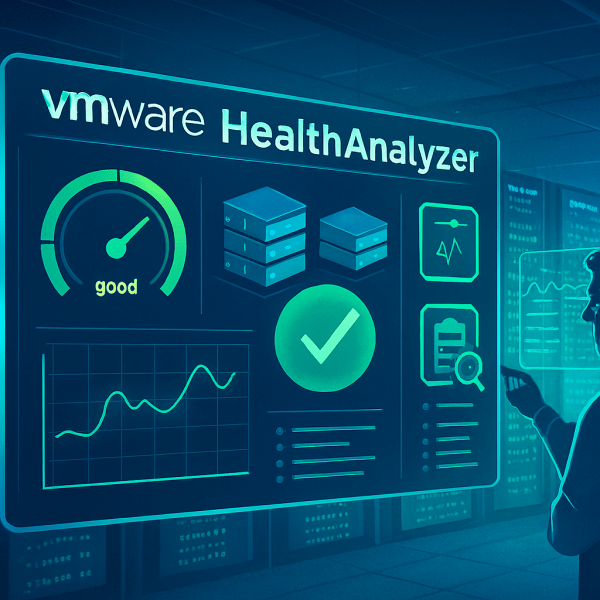
VMware/Broadcom Health Analyzer 2025

Since the acquisition by Broadcom, many things have changed, including the location where the downloads for the Health Analyzer files are available. https://docs.broadcom.com/docs/VHA-FULL-OVF10https://docs.broadcom.com/docs/VHA-COLLECTOR-OVF10https://docs.broadcom.com/docs/VHA-collector-install-and-user-guidehttps://pstoolhub.broadcom.com/ Furthermore, a key is required, and the link for it has also been moved to the Broadcom domain. https://pstoolhub.broadcom.com/index.html With this updated information, you should be able to access everything needed to... Continue Reading →

VCSA VAMI Update with DL Token

Since Broadcom introduced the new Download Tokens for entitlement-based access, it's important to configure them in all relevant VMware components to ensure smooth updates and patching. To set the token in VCSA VAMI: Go to https://<vcenter&gt;:5480 Log in as root Navigate to Update > Settings Enter your Broadcom Download Token under Repository Settings https://dl.broadcom.com/<downloadToken>/PROD/COMP/VCENTER/vmw/8d167796-34d5-4899-be0a-6daade4005a3/8.0.3.00400 Replace <downloadToken> with the download token assigned to you. Further patches automatically update this URL.... Continue Reading →

Dell VxRail discovery with IP Adress

If you have a problem with the IPv6 multicast discovery during the VxRail initial cluster deployment, here´s another option!! You can add hosts via IP address by klicking the + button in the top right corner and add all hosts by IP Adress and root password. But first you need to configure the IP settings... Continue Reading →

Introducing my homelab

Like the most of us I made the decision to a homelab. Some years ago I started with one HP Microserver N40L and over the last years this setup evolves to the current state. My homelab approach was to have an environment where I can test the most of the things I´m doing every day... Continue Reading →

Webseite erstellt mit WordPress.com.

Nach oben ↑